Cloudflare helps bring together content delivery, traffic protection and selected application features. See how the proxy, cache, Load Balancing, Turnstile, R2, KV, Workers and Zero Trust can support your website, online shop and the way your team works.
Cloudflare: performance, security and services for your application
Cloudflare at Okinet: from your application's needs to the configuration
At Okinet we use Cloudflare. We see the platform as a toolkit from which we can pick the right pieces for a specific project: a company website, an online shop, an API or an application used only by your team. The starting point is what you want to improve: loading time, availability, form protection, file handling or access control.
You don’t have to move your whole application into one environment. In many projects the first step can be tidying up DNS, switching on the proxy and agreeing cache rules. Workers, R2 or Zero Trust can be added later if they solve a real need. Below we explain what each service does and how to judge whether it is useful for you.
DNS, proxy and TLS: controlling traffic before it reaches your server
DNS tells the internet where the service behind your domain lives. When the proxy is switched on for a supported record, HTTP or HTTPS traffic passes through Cloudflare before it reaches your application server. This makes it possible to apply caching and protection rules. A record set to DNS only simply points to the service’s address; it does not turn on this protection for web traffic.
The proxy reduces how openly your server’s address is exposed in DNS responses, but on its own it does not close other ways in. During setup you also need to check the server firewall and the remaining records. Encryption should cover both legs of the journey: from the user to Cloudflare and from Cloudflare to your server. Full (strict) mode also verifies the certificate on the origin server.
For your business this means one place to manage an important part of the traffic to your website. You still need a correct hosting configuration, application updates and control over permissions.
Documentation: Proxy status, Full (strict).
CDN and cache: less work for your server on repeat visits
A CDN (content delivery network) is a distributed network for delivering content. Cloudflare can store copies of eligible files and answer later requests without fetching them from your server every time. This helps reduce the load on the server and shortens the distance data has to travel to the visitor.
The easiest place to start is images, CSS stylesheets and JavaScript. By default, Cloudflare does not cache every HTML page or JSON response. Rules for this kind of content need deliberate configuration: how long to keep it, when to bypass the cache and how to refresh it after changes.
In an online shop, the basket, orders and customer accounts need particular care. A shared cache must never show one person’s data to someone else. In the same way, the public catalogue has to be kept separate from individual prices and logged-in views. A good caching plan therefore also takes into account cookies, application headers and tests with different types of user.
Documentation: Cloudflare Cache, Default cache behaviour.
Load Balancing: spreading traffic and switching over after a failure
If your application runs on several servers, Cloudflare Load Balancing lets you send traffic to the endpoints that are available. Monitors check their health, and a configured failover mechanism can switch traffic away when a server stops responding properly. The available traffic steering options include, among others, the visitor’s location and latency.
This is useful when you want to make a service more available, or carry out work on one server while others keep handling traffic. The application has to be ready for it: the servers must use the right data, and user sessions and files must not end up stored only on the machine being taken out of service.
A load balancer on its own does not replicate your database or create a backup environment. That is why it is worth combining the configuration with a test of a real failure scenario, including logging in and placing orders. It is an additional service, so its cost and available options should be included in the project plan.
Documentation: Load Balancing.
Turnstile: protecting forms without picture puzzles
Spam in a contact form makes it harder to deal with genuine enquiries. Cloudflare Turnstile is an alternative to the traditional CAPTCHA: it checks traffic without asking people to recognise pictures. It can also be used on a website whose traffic does not go through the Cloudflare proxy.
The widget in the browser is only part of the integration. Your server must verify the token it receives through Siteverify before accepting the protected action. You also need to handle token expiry and re-verification, so that users don’t lose the message they have typed.
Turnstile can be added to an enquiry form, a registration form or a chosen step of the login process. We match the level of protection to the way a given form is being abused; data validation and limits on the number of attempts still matter.
Documentation: Turnstile, Server-side validation.
WAF, DDoS protection and request limits
A Web Application Firewall (WAF) analyses requests to your application and lets you respond to particular attack patterns. Managed rules and your own conditions help filter out some unwanted traffic before it uses up application resources. DDoS protection, in turn, limits the impact of attacks that try to flood a service with traffic.
Rate limiting can add extra protection to login, search and selected API endpoints. The thresholds, however, have to match real traffic, including users who share one IP address and integrations with external systems.
During setup we also check that the rules don’t block payments, webhooks, monitoring or search engine crawlers. Which rules and configuration options are available depends on the service and the plan. Protection at the network edge complements security fixes in the application and on the server.
Documentation: WAF, DDoS Protection.
R2: a home for photos, documents and application files
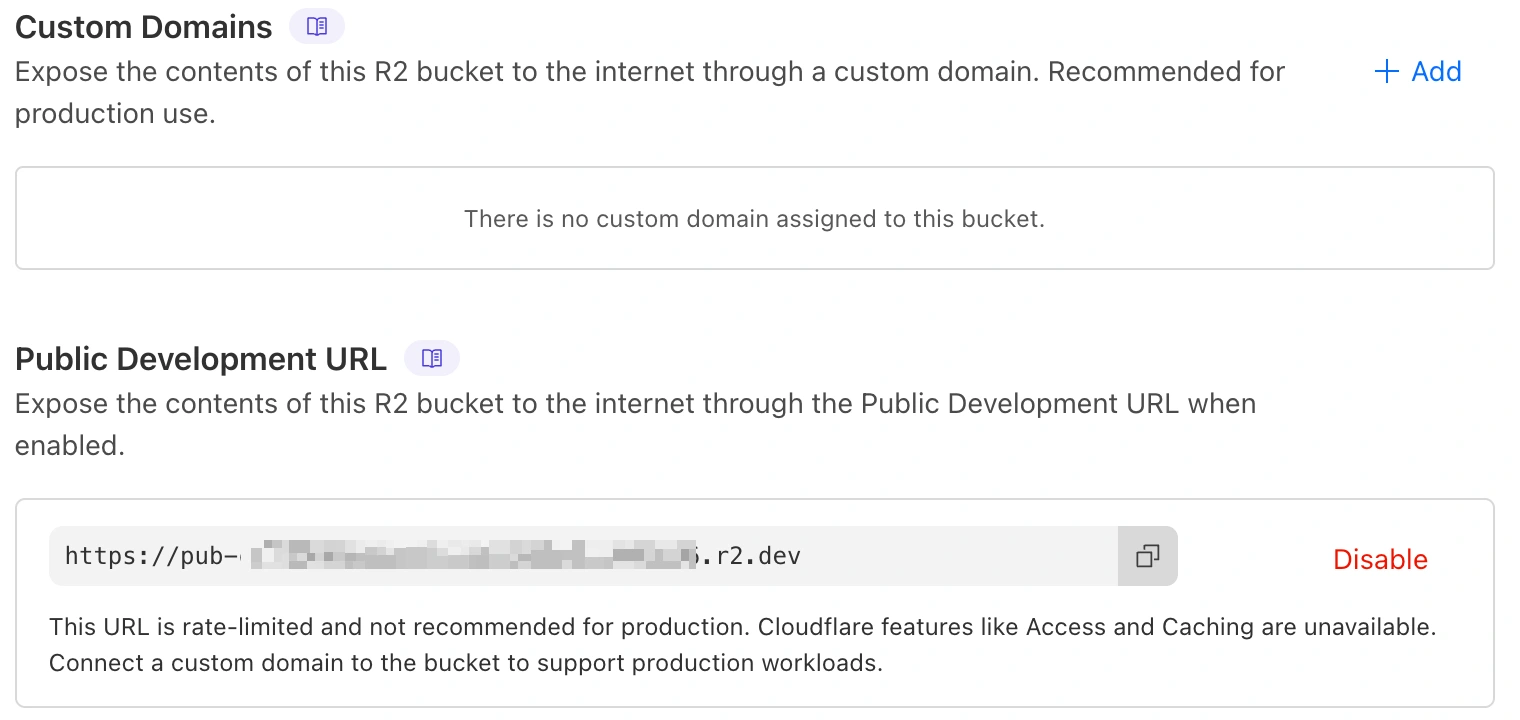
Cloudflare R2 is object storage: it keeps files as objects that your application accesses through an API. It is suitable for product photos, downloadable documents and files uploaded by users, among other things. It offers an interface compatible with part of the S3 API, which makes it easier to use existing tools once you have checked the operations you need.
R2 does not charge for data transferred out directly from the service. Your costs still need to include storage, operations and any services connected to the storage. The Infrequent Access class also has data retrieval charges. So having no egress fees does not mean that serving every file is free.
When integrating R2, we decide which materials are public and which need authorisation. We separately design file addresses, caching, and rules for deletion and retention. R2 does not automatically replace a database or a backup policy.
You will find more examples in the article Cloudflare R2: object storage with no transfer fees.
Documentation: R2, R2 pricing.
Workers: application logic running on the Cloudflare network
Cloudflare Workers lets you run code in an environment managed by Cloudflare, without having to administer a server yourself for that part of the system. You can use it to handle an API, transform responses, connect services or check access to files. Workers can work alongside your existing backend as well as R2 and KV.
For example, an application can ask a Worker for a document, and the code checks the user’s permissions and fetches the right object from R2. This scenario needs logic to be designed and built; it is not a feature that appears just by switching the service on.
Before moving any code, we assess library compatibility, execution limits and dependencies on the database. A distributed network won’t remove delays if every request still waits for a distant or overloaded system. Logs, error monitoring and the ability to roll back a release also matter.
Read also: Cloudflare Workers in practice.
Documentation: Workers.
KV: fast reads of configuration and rarely changed data
Workers KV stores data as key and value pairs. It is a good fit for application configuration, redirect maps or other information that is read often but changed less often. A Worker can fetch a value by its key without running a complex query against a relational database.
KV is eventually consistent: a change does not have to be visible straight away in every location. That is why we don’t treat it as the default place for stock levels, billing or reserving the last item of a product. Operations like these need a solution that guarantees the right level of consistency and control over simultaneous updates.
When choosing storage, we start by asking what happens if a user reads the previous value for a while. For some configuration that is acceptable; for a financial decision or a reservation it may be a mistake.
Find out more: Cloudflare KV: data storage at the network edge.
Documentation: How Workers KV works.
cloudflared and Cloudflare Tunnel: connecting to a service behind a firewall
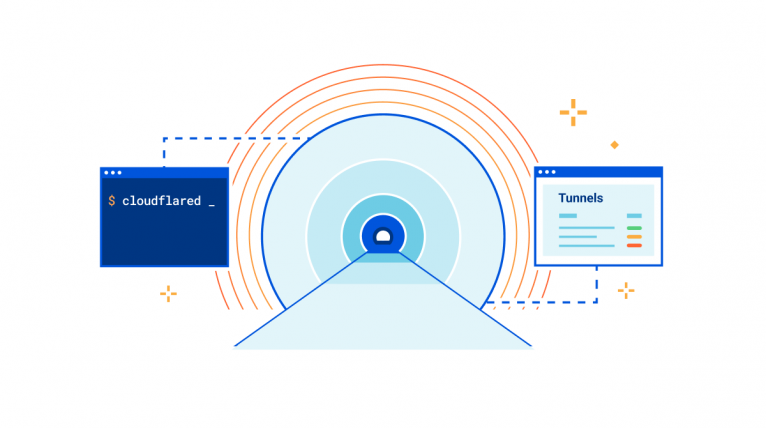
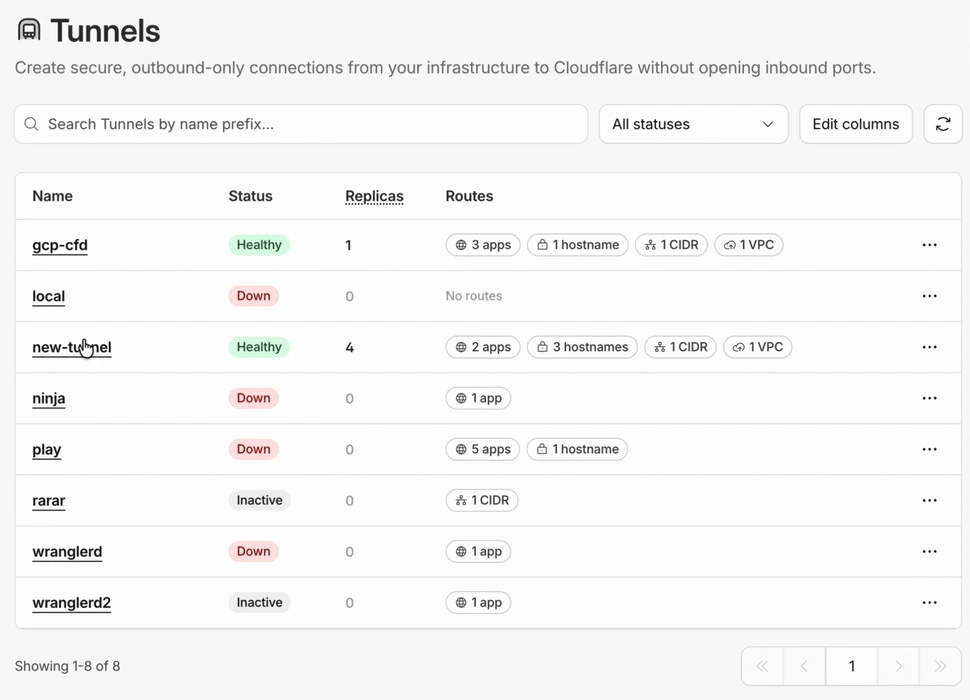
Cloudflare Tunnel connects your infrastructure to the Cloudflare network. The cloudflared process, running next to your application, opens outbound connections. This means the service can be made available without a public IP address for the server and without opening inbound ports for it in the traditional way.
This approach can help with access to a test environment, a panel running on an internal network or a team tool. You still need a working internet connection, you need to maintain the connector and you need to plan for its availability.
A tunnel provides a route for the connection, but creating it does not decide who can use the application. If a panel should only be available to selected people, you need to add access control (for example Cloudflare Access) and test it from an account without permissions as well.
Documentation: Cloudflare Tunnel.
Cloudflare Zero Trust: access to a specific application
In the Zero Trust model, simply being connected to the company network does not give access to every resource. The decision is based on the user’s identity and context. Cloudflare provides tools for this model as part of the Cloudflare One platform.
Cloudflare Access lets you protect applications with access policies. These can take into account your company’s identity provider, additional authentication and requirements for the device. Gateway filters outbound traffic, for example at DNS and HTTP level. Depending on the scenario, a client may also need to be set up on devices.
For your team, this can mean access to a test panel or an internal tool by logging in with their own account, with the option of removing someone’s access without changing a shared password. The rollout requires agreeing roles, access for subcontractors and an emergency procedure. How far it can replace an existing VPN depends on the applications and protocols you use.
Documentation: Cloudflare One and Zero Trust.
D1, Durable Objects, Queues and Images: tools for growing your system
When a project needs more than a proxy and cache, the other services are worth considering. We choose them to fit the data model and the way operations flow, rather than moving every part of the system just to have a single provider.
D1 is a managed SQL database based on SQLite semantics. It can hold data for an application that works with Workers; you need to assess its limits and how queries are executed. D1 documentation.
Durable Objects combines running code with persistent state and helps coordinate operations, for example in chat rooms or collaboration features. It is a different model from the global KV cache. Durable Objects documentation.
Queues lets you hand tasks over for processing outside the user’s main request. It can be used for integrations and background work, but retries and duplicates have to be handled in the code. Queues documentation.
Images is used to store, transform and deliver images. Variants tailored to the view mean you don’t send the full file where a smaller one is enough. Images documentation.
Cloudflare for WordPress, online shops and custom applications
On a website built with WordPress, a good starting point is reviewing caching, form protection and access to the admin panel. An online shop adds scenarios for the basket, payments, price changes and integrations. Each of them has to be tested before new rules are switched on.
In a custom application, for example one built with Symfony, responsibilities can be split: the backend handles business processes, R2 stores files and Workers carries out selected operations before passing the request on. Load Balancing makes sense when there is a prepared backup environment or several instances of the application.
These are example architecture directions, not a compulsory package. Sometimes optimising the database or the code brings a bigger improvement than adding another service. That is why it is worth first finding out where the delay or the risk of downtime really comes from.
Costs and maintenance: what to consider before you start
Cloudflare covers various products and billing models. The price of a plan for a domain does not automatically describe the cost of a whole solution with Load Balancing, Workers, R2 or Zero Trust services. It is worth basing your budget on the number of users and requests, the amount of data, how often operations happen and the level of protection you need.
After rollout, comparative measurements are useful: response time, the share of responses served from cache, server load, the number of blocked requests and the cost of each service. Simply having options switched on doesn’t show whether the configuration delivers the expected result.
Maintenance also includes reviewing permissions, testing after changes to the application and documenting the rules. If Cloudflare becomes an important part of how your traffic is handled, you need to plan how to respond both to a failure of your own server and to a problem on the provider’s side.
Plan your Cloudflare rollout with Okinet
Let’s start with your application: who uses it, which operations are critical and what currently gets in the way of it running well. Based on this, we can define the scope of configuration, integration and testing, from a basic proxy to access to internal resources or file handling.
At Okinet we use Cloudflare and we are happy to talk with you about where it fits in your infrastructure. Tell us about your website, shop or application and together we will decide where it makes sense to start.